EP-0163: Difference between revisions
Jump to navigation
Jump to search
| Line 16: | Line 16: | ||
|[[File:Ultrathin ice tower03.jpg|right|320px]] | |[[File:Ultrathin ice tower03.jpg|right|320px]] | ||
|} | |} | ||
* Compare with other products | |||
<Font color=red> Ultra thin </font> | |||
[[File:Ep-0163-12.jpg|left|800px]] | |||
<br style="clear:both;"> | |||
* Details | * Details | ||
[[File:Ultrathin ice tower04.jpg|left|800px]] | [[File:Ultrathin ice tower04.jpg|left|800px]] | ||
Revision as of 16:28, 25 August 2022
Ultra Thin Ice Tower Cooler for Raspberry Pi 4B

Description
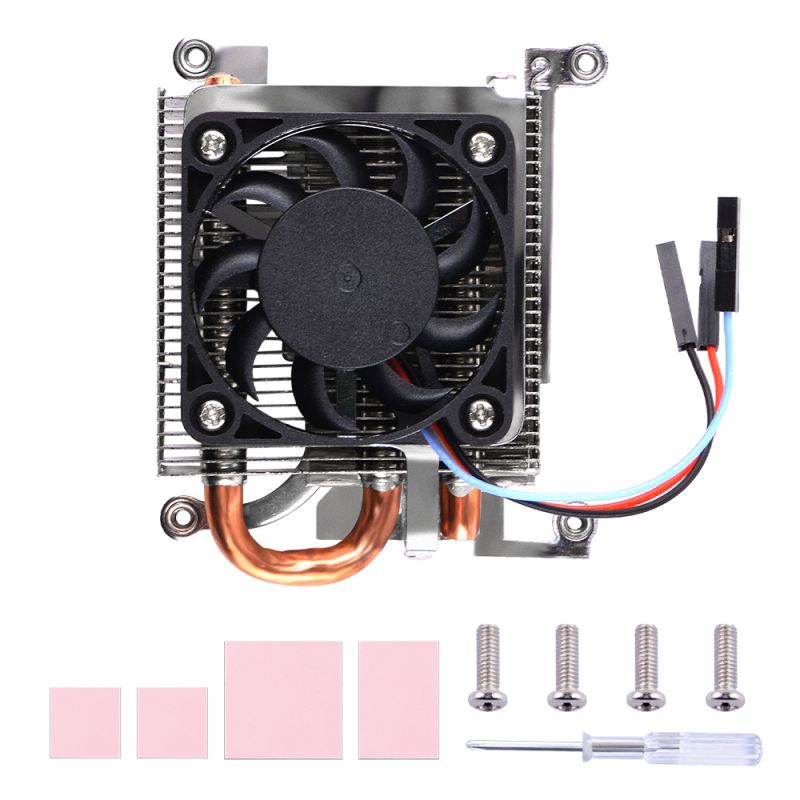
This is an ultra-thin ice tower cooler that only supports Raspberry Pi 4B. It includes ultra-thin fans and supports fan speed regulation. The speed can be controlled by programming the GPIO pins of the Raspberry Pi, and the heat sink is ultra-thin.
Features
- Ultra Thin
- Support fan speed regultion
- Support Raspberry Pi 4B ONLY
- Good Heat dissipation effect
Gallery
NOTE: Raspberry Pi 4B is not included in the package, need additional purchase.
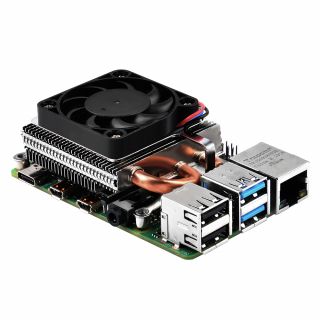
- Product Outlook
|
 |
 |
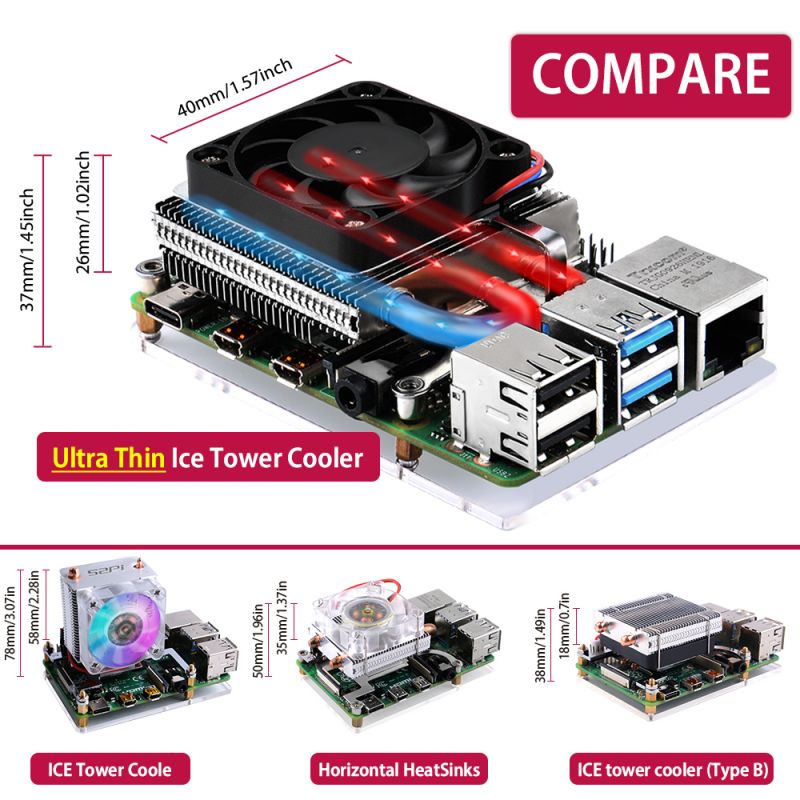
- Compare with other products
Ultra thin

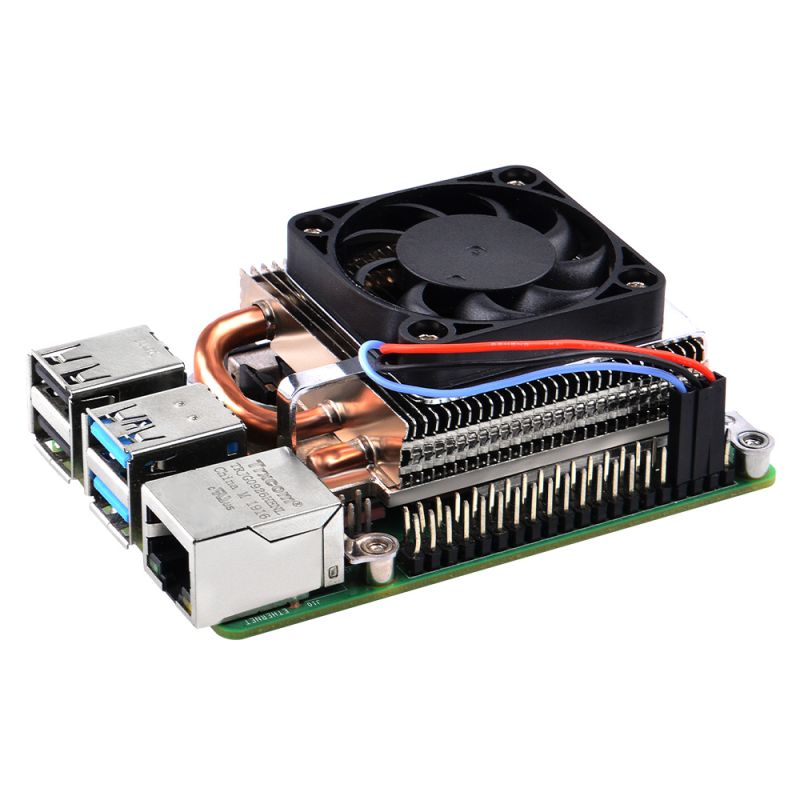
- Details

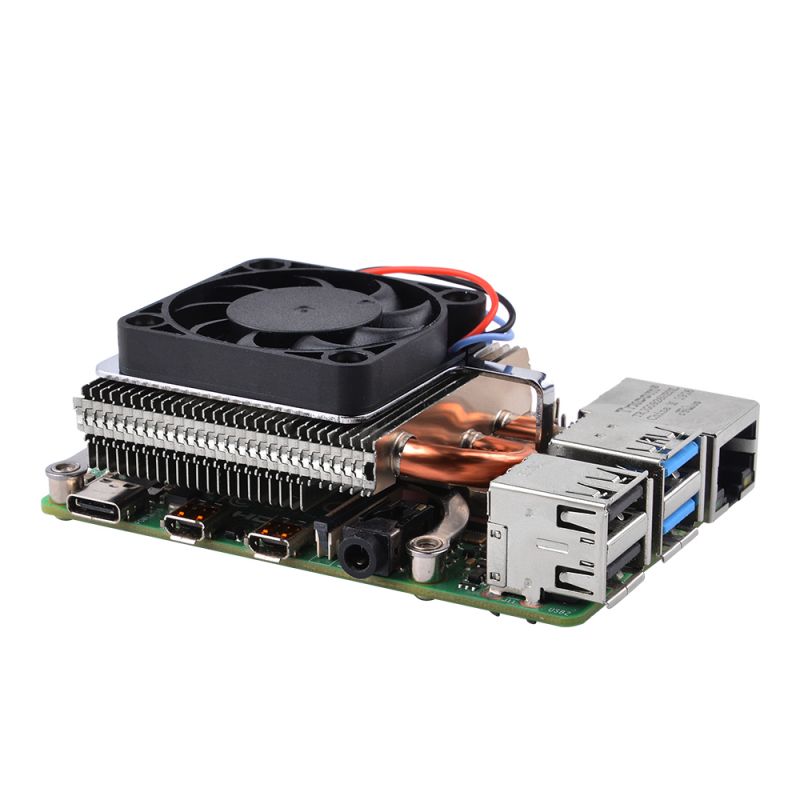
- Other side

How to assemble
- 1. Fix the bracket to ICE tower cooler with M2.5 screws.
- 2. Peel off the protect film of thermal pad and paste it on top of CPU and Memory chip.
- 3. Fix the copper pillar to the bracket.
- 4. Fix ICE tower cooler to Raspberry Pi 4B with M2.5 nuts.
- 5. Connect Red wire to Raspberry Pi's GPIO on 5V
- 6. Connect Black wire to Raspberry Pi's GPIO on GND
- 7. Connect Blue wire to Raspberry Pi's GPIO on TXD
Package Includes
- 1 x Ultra Thin ICE Tower Cooler
- 4 x Screws
- 1 x Screw driver
- 4 x Thermal Pad

How to control fan speed
- Default OS: Raspberry Pi OS
- GPIO 14 is connected to fan pwm controller pin, you can just testing by using this code and modify it as you well.
- Create a file named fan_control.py
- Copy and paste following code
import RPi.GPIO as GPIO
import time
import subprocess as sp


# initializing GPIO, setting mode to BOARD.
# Default pin of fan is physical pin 8, GPIO14
Fan = 8
GPIO.setmode(GPIO.BOARD)
GPIO.setup(Fan, GPIO.OUT)

p = GPIO.PWM(Fan, 50)
p.start(0)

try:
    while True:
        temp = sp.getoutput("vcgencmd measure_temp|egrep -o '[0-9]*\.[0-9]*'")
        # print(temp)
        if float(temp) < 48.0:
            p.ChangeDutyCycle(0)
        elif float(temp) > 48.0 and float(temp) < 60.0:
            p.ChangeDutyCycle(100)
            time.sleep(0.1)
        elif float(temp) > 60.0:
            p.ChangeDutyCycle(100)
            time.sleep(0.1)

except KeyboardInterrupt:
    pass
p.stop()
GPIO.cleanup()
- Save it and test it
python3 fan_control.py
Keywords
- ICE tower cooler, ultra thin ice tower cooler, ice tower for raspberry pi 4B